Installation
How to install the Dragonfly plugin into ReadyAPI / SoapUI.
Requirements
- SoapUI 5.12 or higher, or ReadyAPI 1.5 or higher
- HP ALM 10, 11, 12, or SaaS
- Windows Operating System
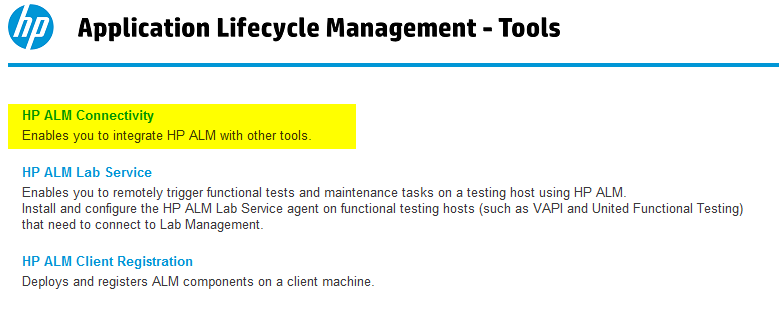
- HP Quality Center Connectivity Add-in installed from ALM management tools (typically at
http://<alm-url>:8080/qcbin/addins.html)
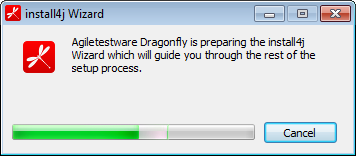
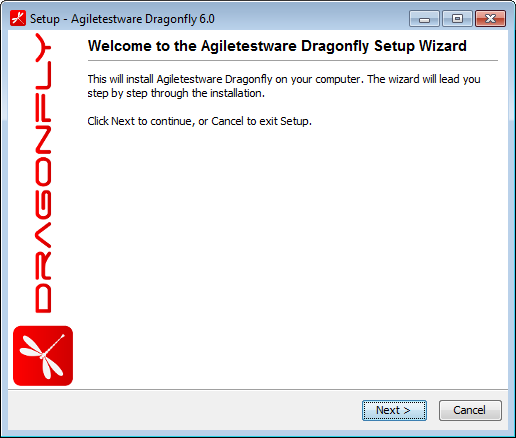
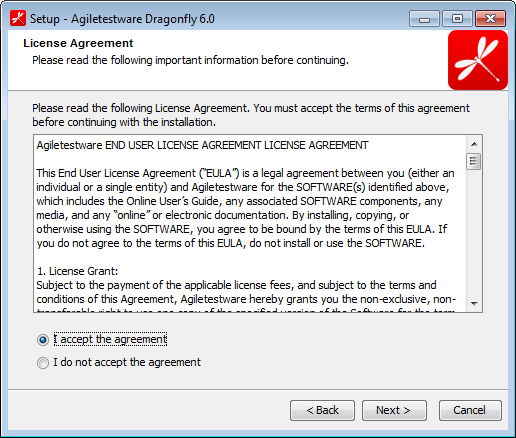
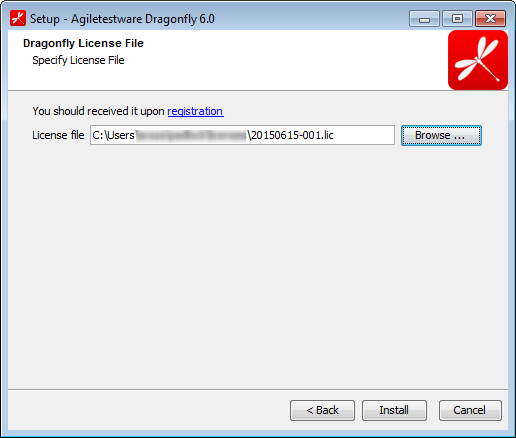
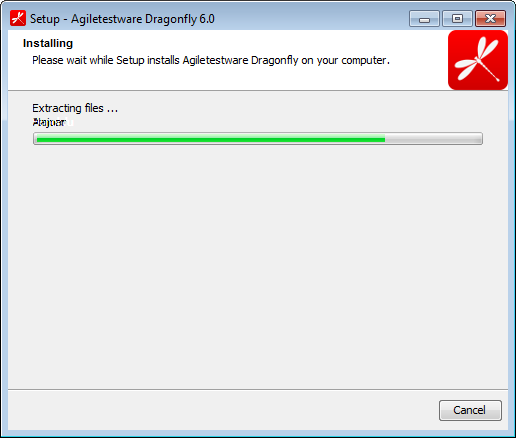
Run the Dragonfly Installer
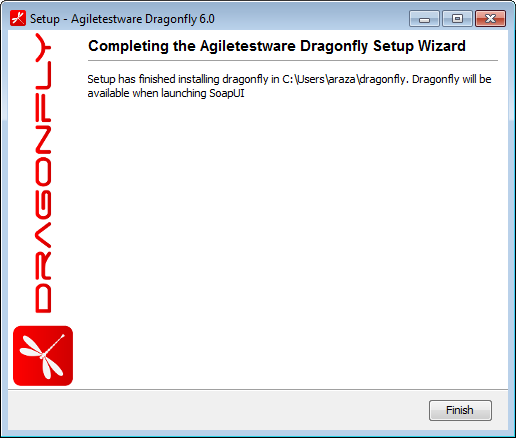
Verifying the Installation
After installation, open ReadyAPI/SoapUI. You should see the Dragonfly menu or right-click options on your project. If the menu does not appear, verify that:
- The Dragonfly license file is in the correct location
- ReadyAPI was restarted after installation
- The HP Quality Center Connectivity Add-in is installed
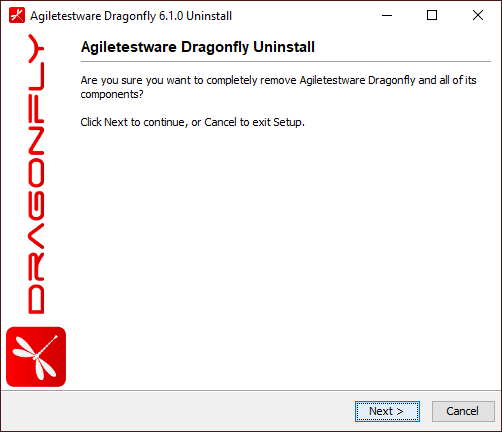
Uninstallation