Running Tests
Run tests from ReadyAPI, from ALM, and view results in HP ALM TestLab.
Run Tests from ReadyAPI
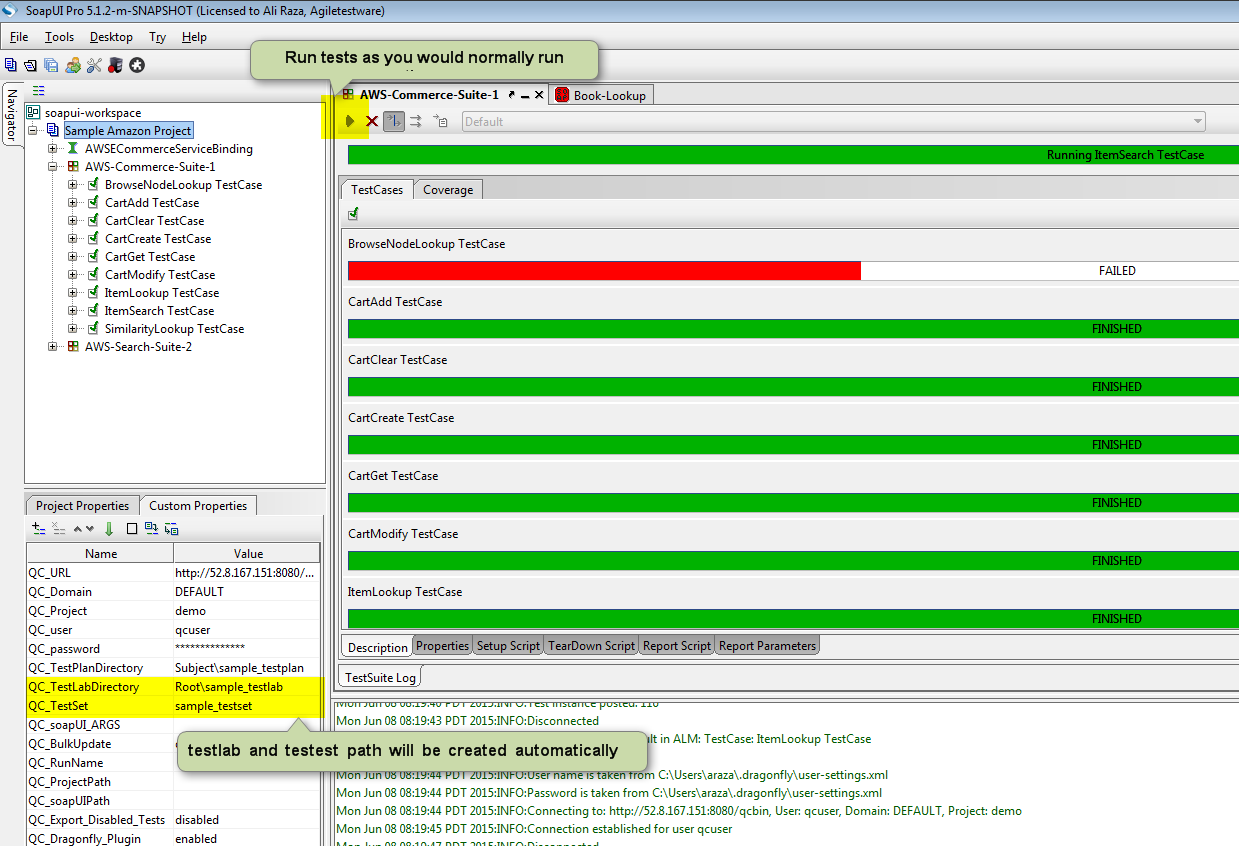
After exporting your project to ALM, run the test suite from ReadyAPI as normal. Dragonfly automatically pushes results to HP ALM when the run completes.
Run Tests from HP ALM
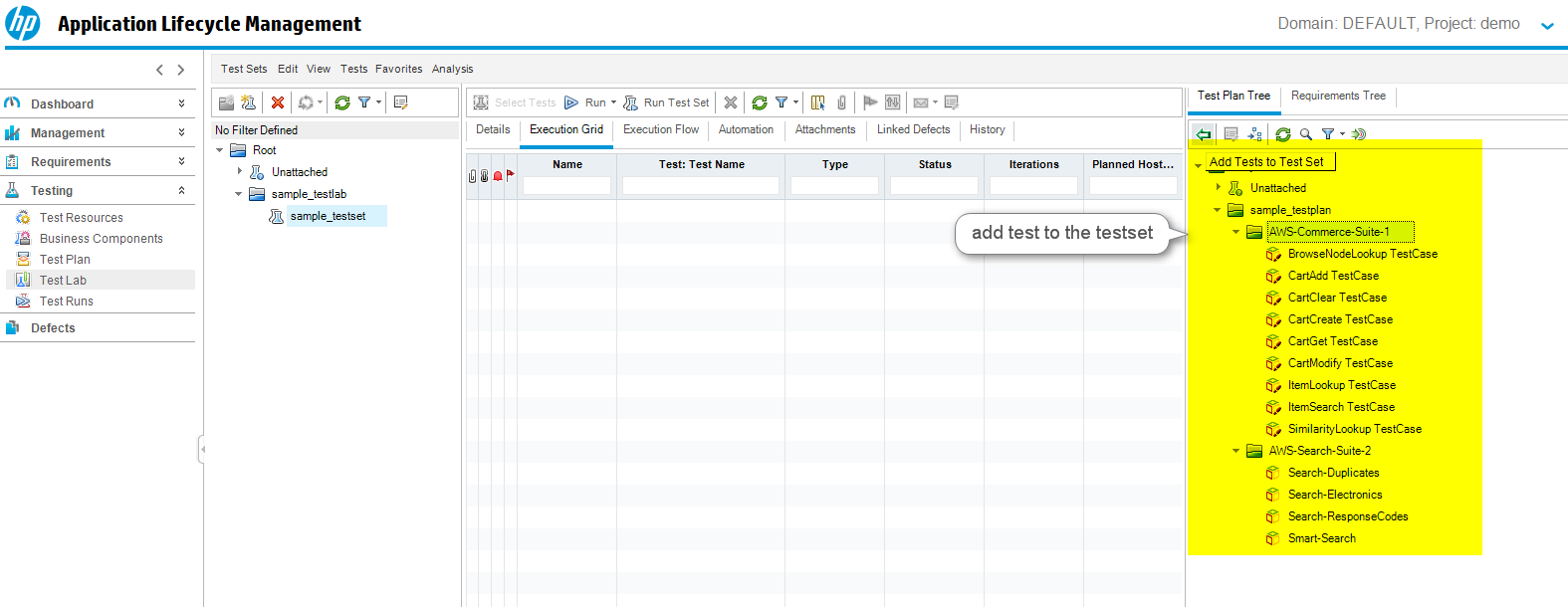
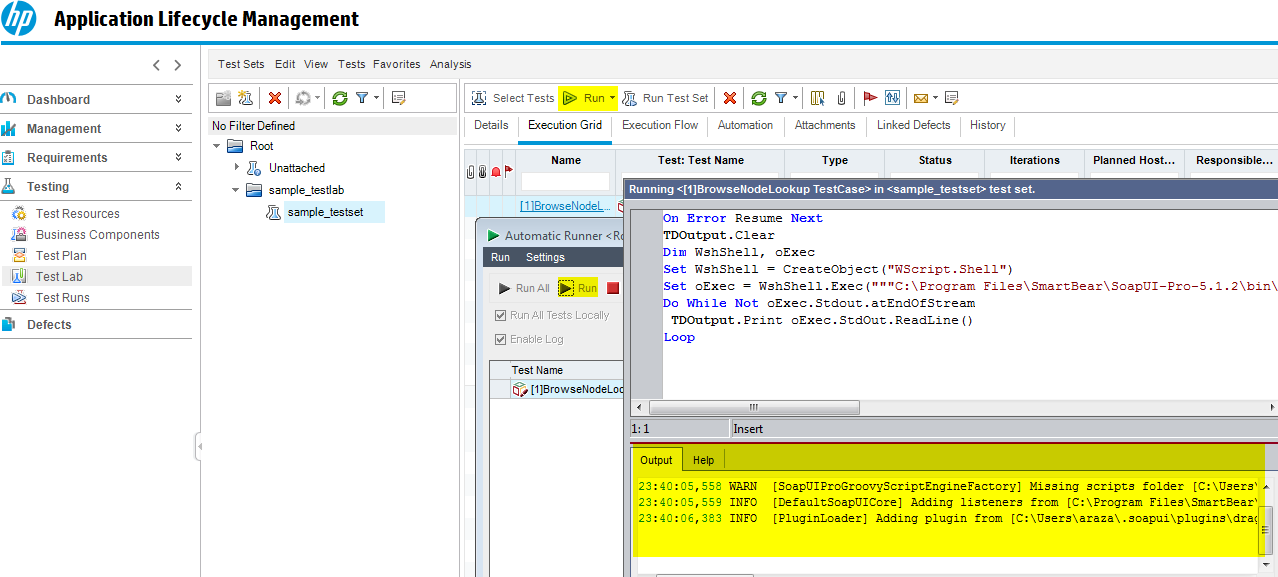
To run ReadyAPI tests from HP ALM TestLab, create a test set and add the test cases just as you would for HP UFT or QTP.
The hosts selected in ALM must have ReadyAPI, Dragonfly, the license files, and the ReadyAPI project all installed and accessible.
The TestLab path and test set name in your ReadyAPI project properties must match exactly what you create in ALM TestLab.
Viewing Results in HP ALM TestLab
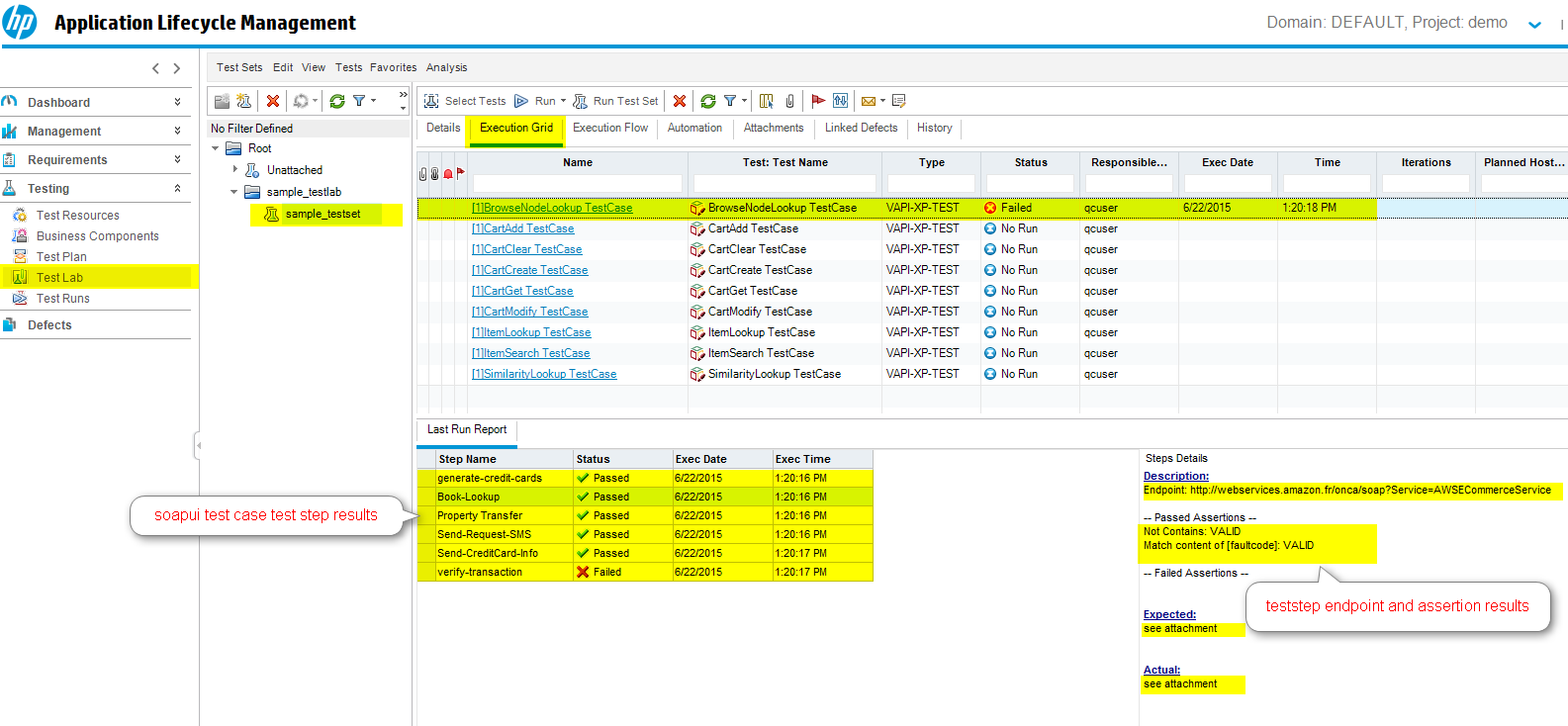
Navigate to the appropriate TestLab and test set to see the last ReadyAPI run summary:
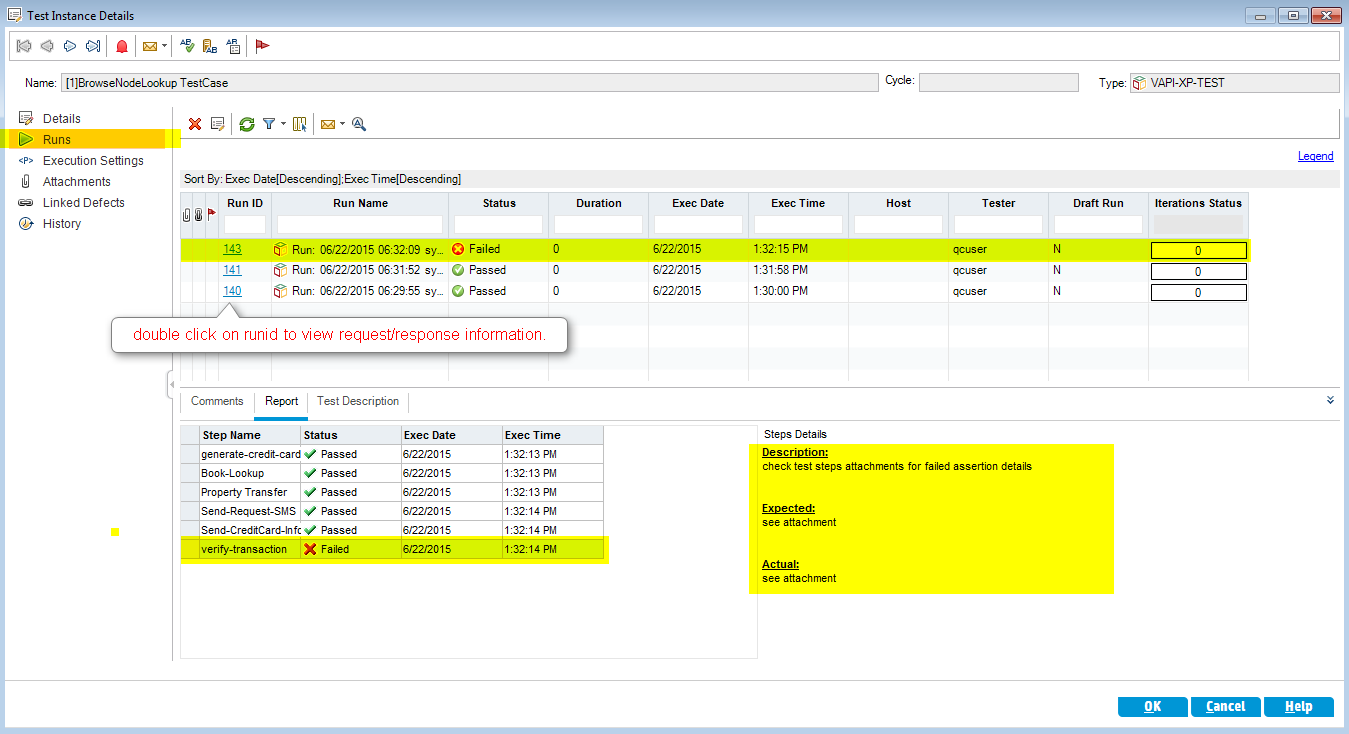
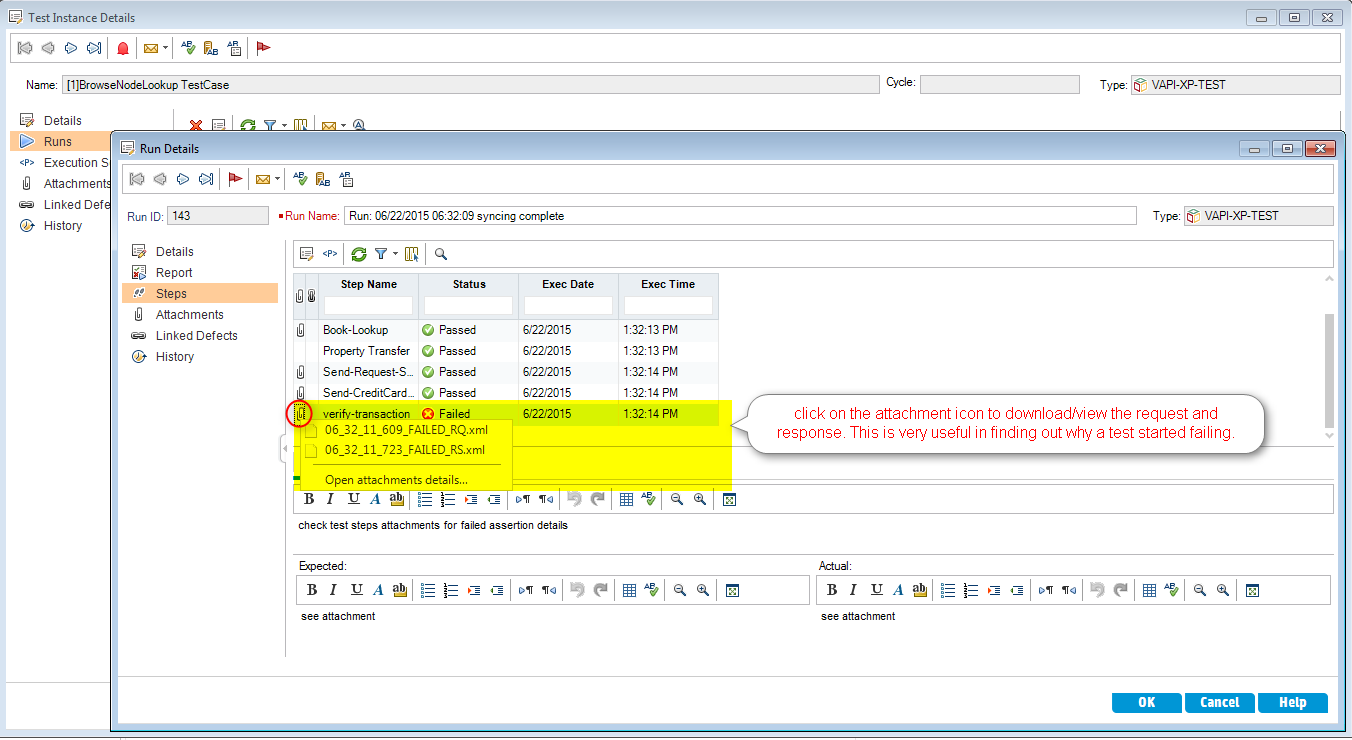
To view run details or history, click the test case in the test set and select Runs. Click a Run ID to see request/response details for each step:
Bulk Update Mode
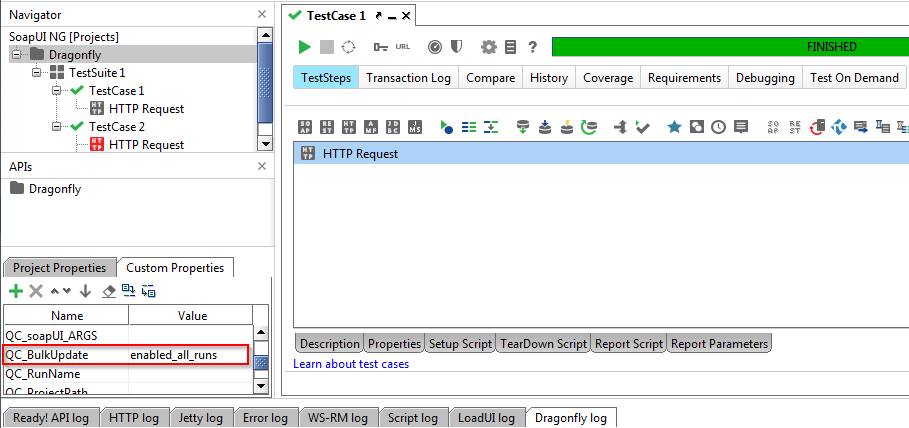
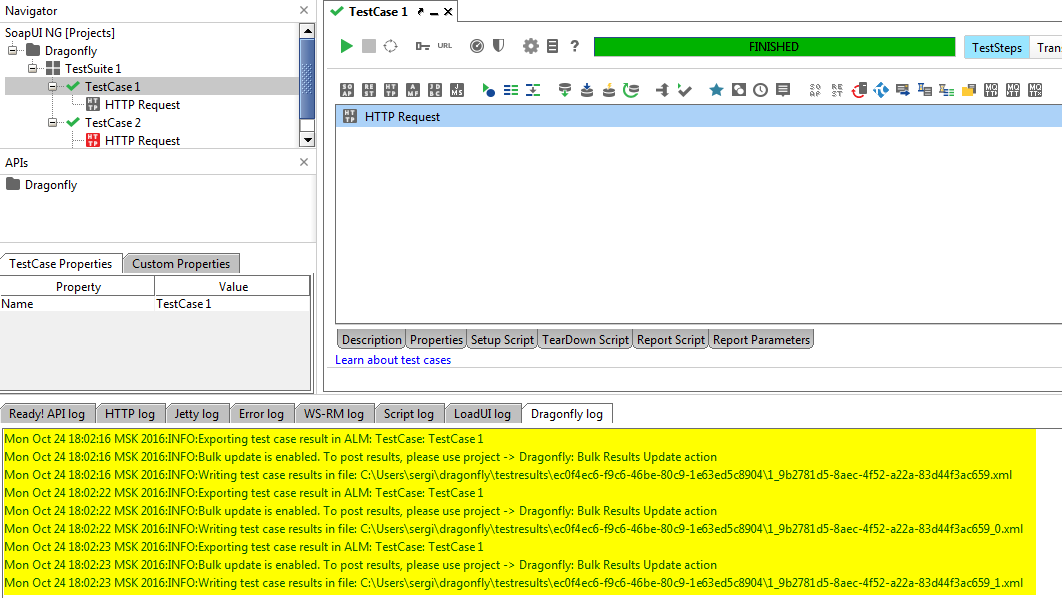
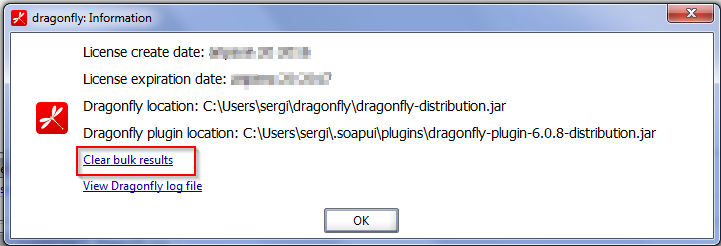
If Dragonfly adds too much overhead for large test suites, enable Bulk Update mode to batch all status updates into a single operation at the end of the run instead of updating each test individually.
Set QC_BulkUpdate = enabled in your project properties.