ALM Credentials
Configure HP ALM credentials in Bumblebee — username/password and username/API key.
Overview
Bumblebee stores ALM credentials in the server-side alm-mappings.xml configuration. This keeps credentials off CI job configurations and out of source control.
Credentials can be specified at URL, domain, or project level.
Username / Password
Project Level
Domain Level
URL Level
When credentials are configured server-side, alm_user and alm_encrypted_pass are not required in client-side configurations. Client-side values will override server-side values if specified.
Username / API Key
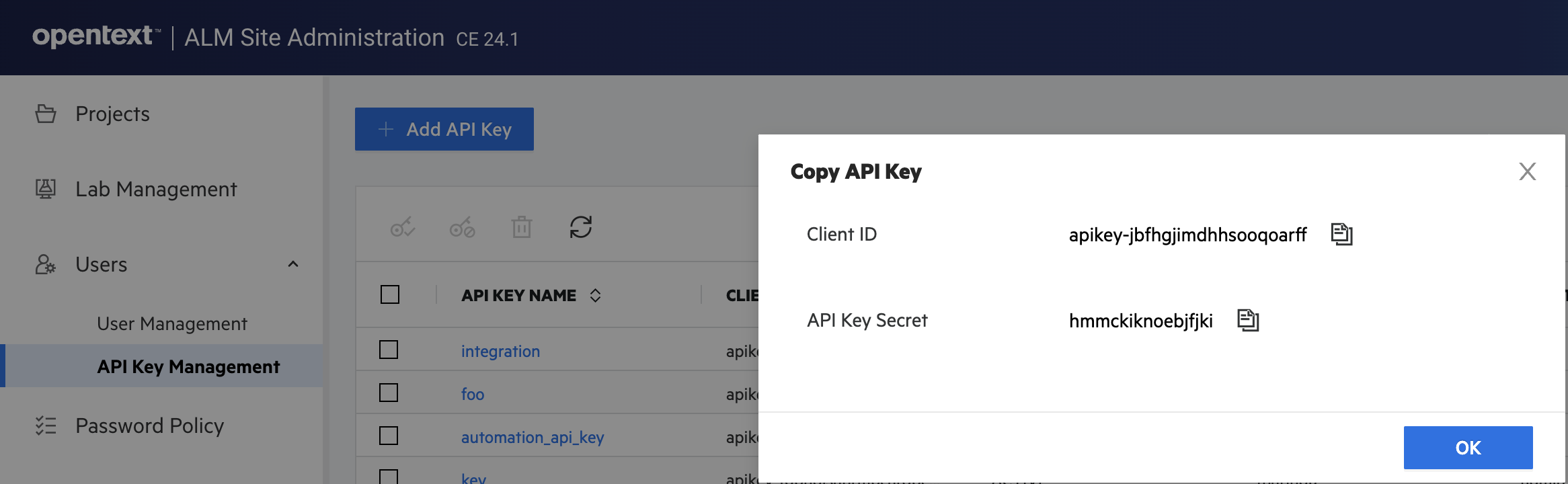
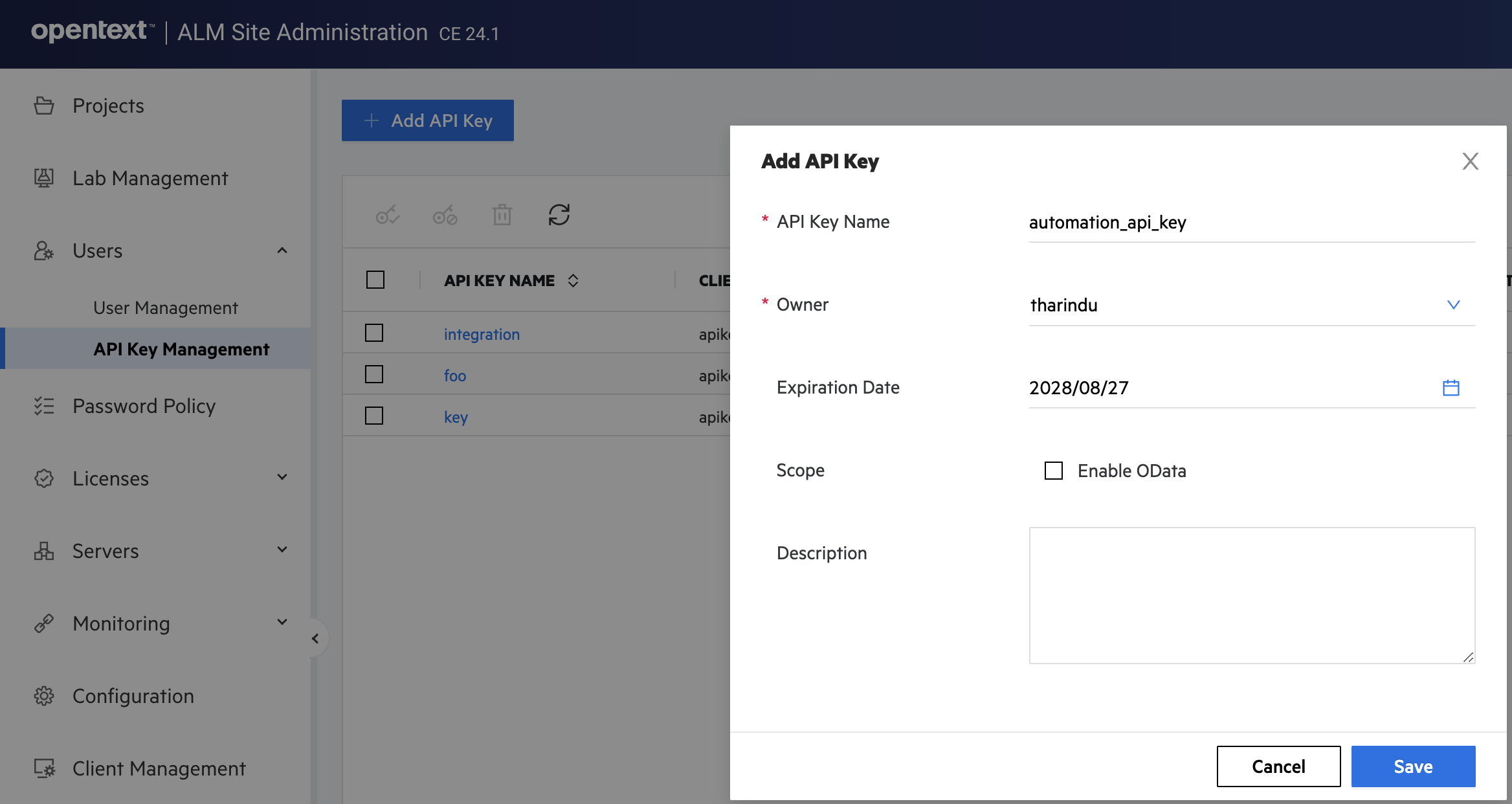
ALM supports API key authentication as a more secure alternative to passwords. Generate an API key in ALM and use it in Bumblebee's alm-mappings.xml.
Generating an API Key in ALM
Configuring API Key in alm-mappings.xml
API key credentials can also be set at domain or URL level using the same <credentials> element with client_id and secret attributes.
Getting the Encrypted Password
Use the Bumblebee web portal to encrypt a plain-text password. Navigate to the Password Encryption tool in the portal and enter your ALM password — the portal returns the encrypted value to paste into alm-mappings.xml.