Installation
Install Bumblebee server on Windows or Linux.
Bumblebee Server works with ALM version 15 onwards and runs on both Windows and Linux.
Windows Installation
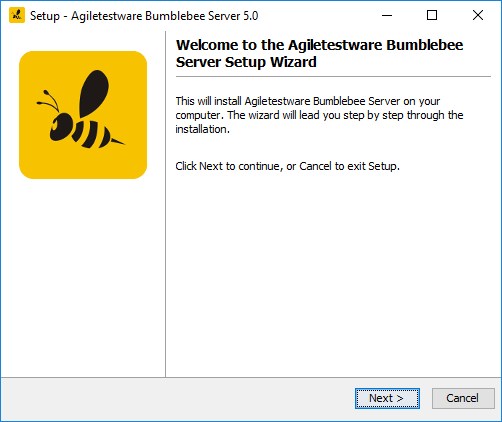
Download and run the Bumblebee Windows Installer.
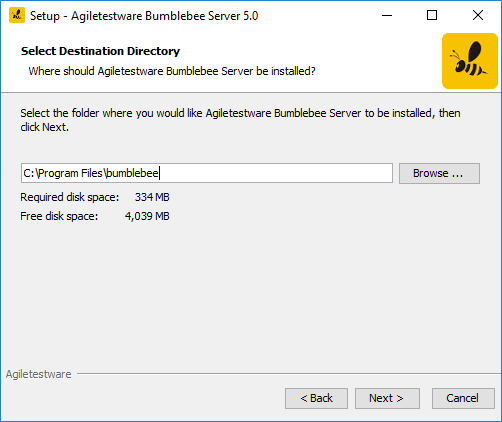
Specify the installation directory:
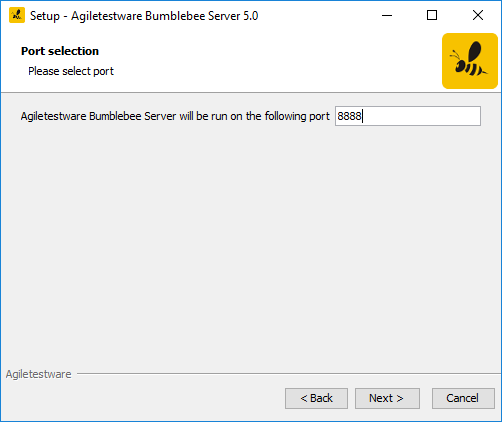
Specify an available port:
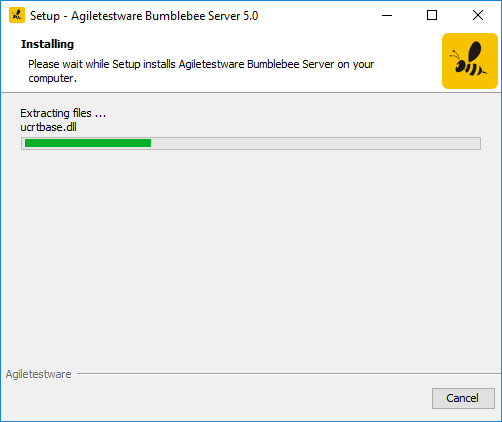
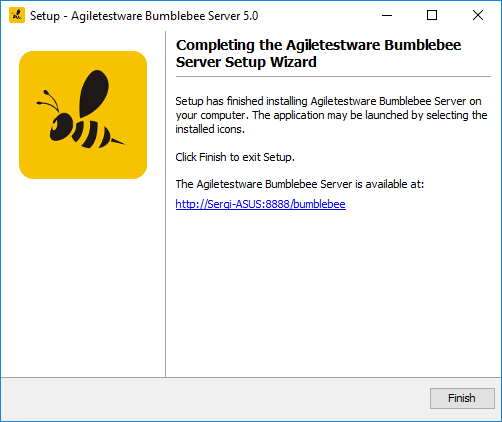
The Bumblebee URL opens the admin portal where you can configure ALM custom properties, view logs, manage licenses, and get encrypted passwords.
Linux Installation
Bumblebee requires JRE installed and on the PATH. Verify with: java -version
Download and unpack the Bumblebee Linux package to a directory like /opt, then run:
To use a custom port:
Verifying the Installation
Open a browser and navigate to http://your-server:8080. You should see the Bumblebee login page.
Default credentials: admin / admin
Change the default admin password immediately after installation. Navigate to Accounts in the web portal.