Web Portal
Using the Bumblebee web portal for configuration and monitoring.
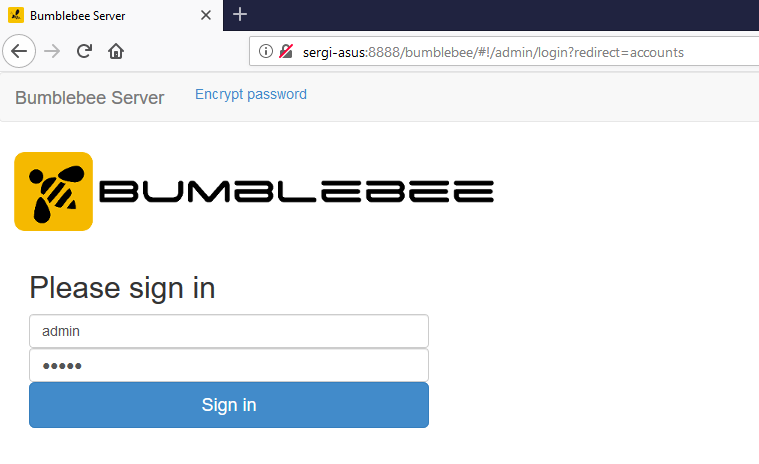
Default credentials: admin / admin — change immediately after installation.
Accessing the Portal
After installation, open a browser and navigate to:
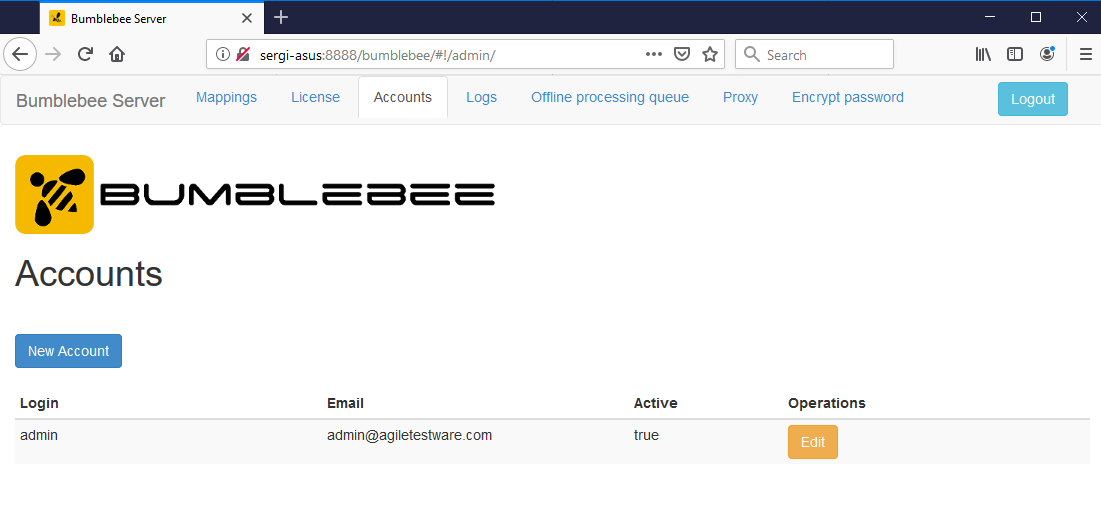
Portal Sections
Mappings
Configure alm-mappings.xml — ALM connections, credentials, and custom field mappings. See ALM Field Mapping for full details.
License
Upload a license file or enter a license key to activate Bumblebee. See License Activation.
Accounts
Manage portal users — create accounts and change passwords. See Security.
Logs
View server logs to diagnose issues with ALM connectivity or test result submission.
Troubleshooting
Portal Unreachable
- Verify the Bumblebee service is running:
- Linux:
sudo systemctl status bumblebeeor checkstartup.shprocess - Windows: Check Services (
services.msc) forBumbleBee HP ALM Integration Service
- Linux:
- Confirm the port is not blocked by a firewall
- Check the Bumblebee log file in the installation directory for errors
Installer Fails
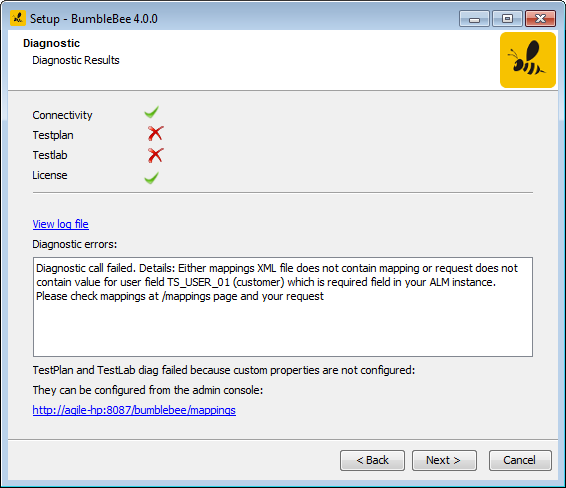
Common causes: insufficient permissions, port already in use, or Java not found. Ensure Java 8+ is installed and available on the PATH.