AgileTestware

ALM Field Mapping

Configure how test result fields map to HP ALM custom fields using alm-mappings.xml.

Required ALM fields must be specified in the XML configuration. ALM will reject API calls that are missing required fields.

Overview

Most ALM projects contain custom fields (optional or mandatory) on Test, TestSet, and Run entities. Bumblebee's web portal provides a simple way to configure these mappings server-side.

Finding Custom Fields in ALM

Navigate in ALM to Project Entities → [entity type] → User Fields to view available custom fields:
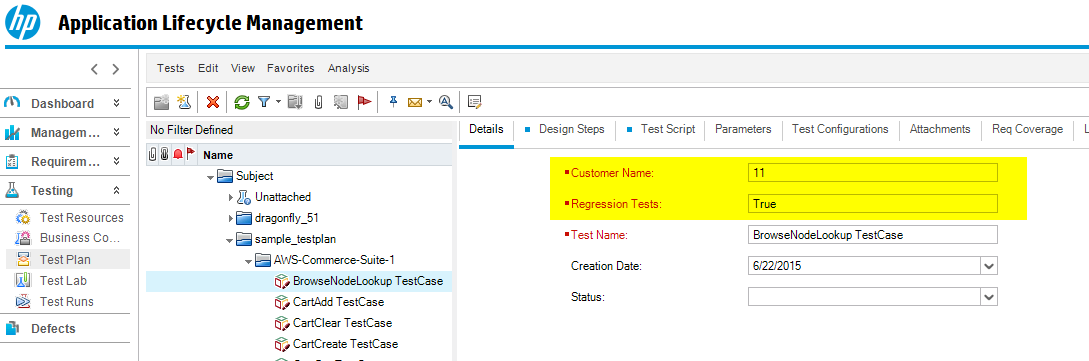
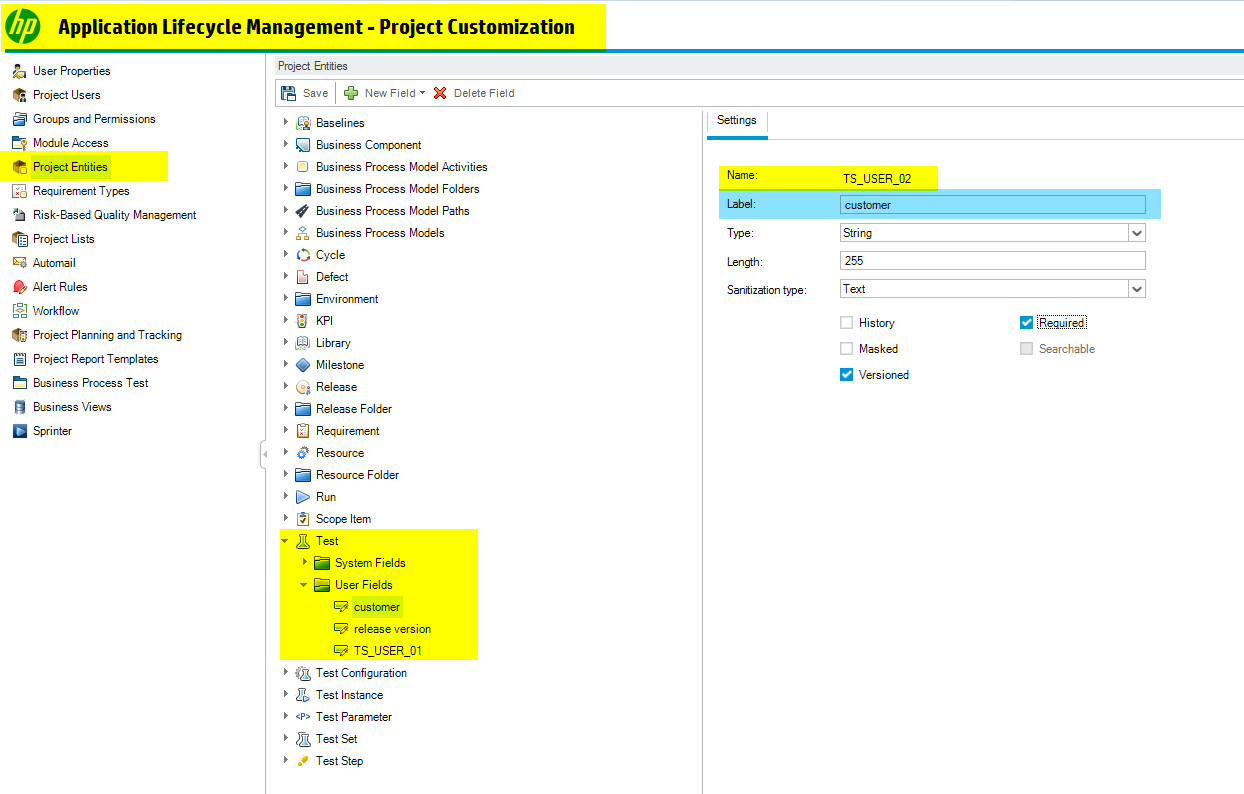
ALM custom user fields

ALM user field configuration

Configuring Field Mappings

Navigate to the Mappings menu in the Bumblebee portal and edit the XML configuration:
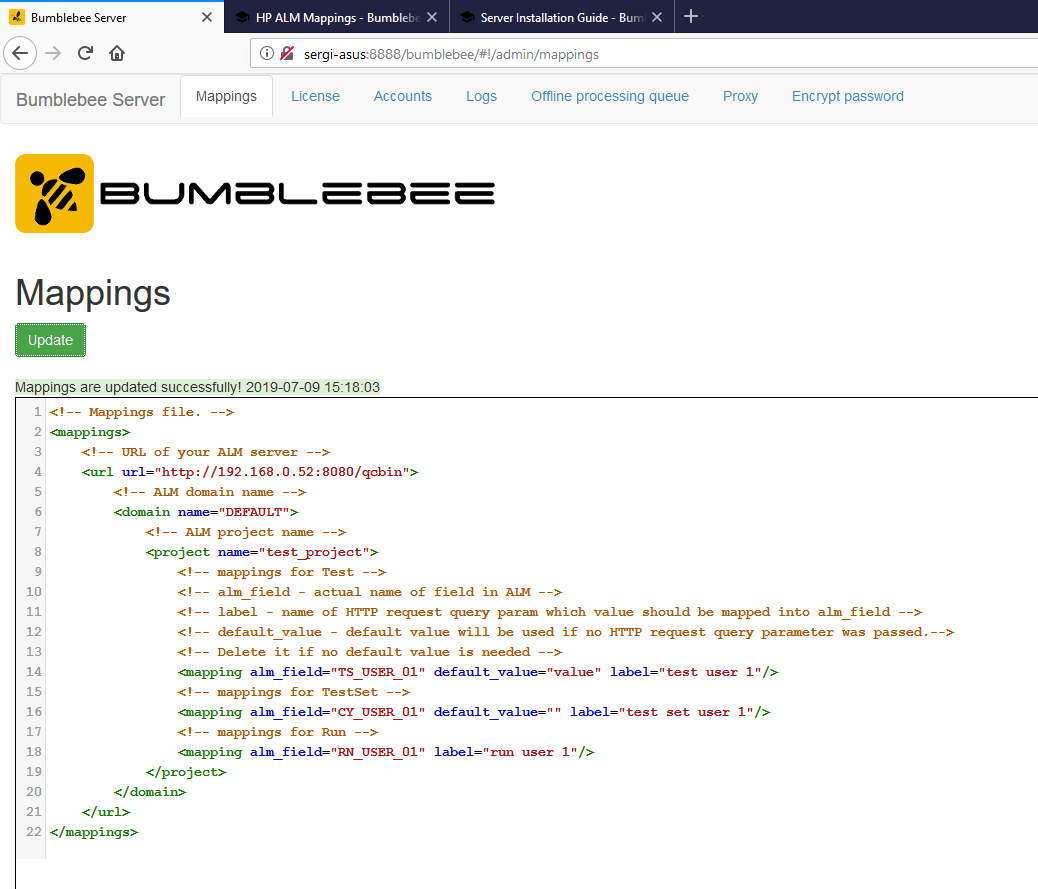
Bumblebee mappings configuration

Basic alm-mappings.xml

<mappings>
  <url url="https://alm.example.com:8080/qcbin">
    <domain name="DEFAULT">
      <project name="test_project">
        <!-- Test entity field -->
        <mapping alm_field="TS_USER_01" default_value="value" label="test user 1"/>
        <!-- TestSet entity field -->
        <mapping alm_field="CY_USER_01" default_value="" label="test set user 1"/>
        <!-- Run entity field -->
        <mapping alm_field="RN_USER_01" label="run user 1"/>
      </project>
    </domain>
  </url>
</mappings>

Each <mapping> element:

  • alm_field — the actual field name in ALM (e.g. TS_USER_01)
  • label — the name of the HTTP request parameter that carries the value
  • default_value — fallback value if no parameter is passed (omit if not needed)

Shared Fields Across Projects

Mappings can be defined at URL or domain level and inherited by all child projects:

<mappings>
  <url url="https://alm.example.com:8080/qcbin">
    <domain name="DEFAULT">
      <!-- Inherited by all projects in this domain -->
      <mapping alm_field="TS_USER_01" default_value="shared" label="shared-field"/>
 
      <project name="project-1">
        <mapping alm_field="CY_USER_01" label="project1-field"/>
      </project>
      <project name="project-2">
        <mapping alm_field="CY_USER_01" label="project2-field"/>
      </project>
    </domain>
  </url>
</mappings>

On this page