License Activation
Activate your Bumblebee license using a license file or license key.
Obtaining a License
Contact [email protected] to request a free trial or production license. You will receive either a license file or a license key.
Activating via License File
Navigate to the License tab in the Bumblebee web portal. The default option is activation via a license file:
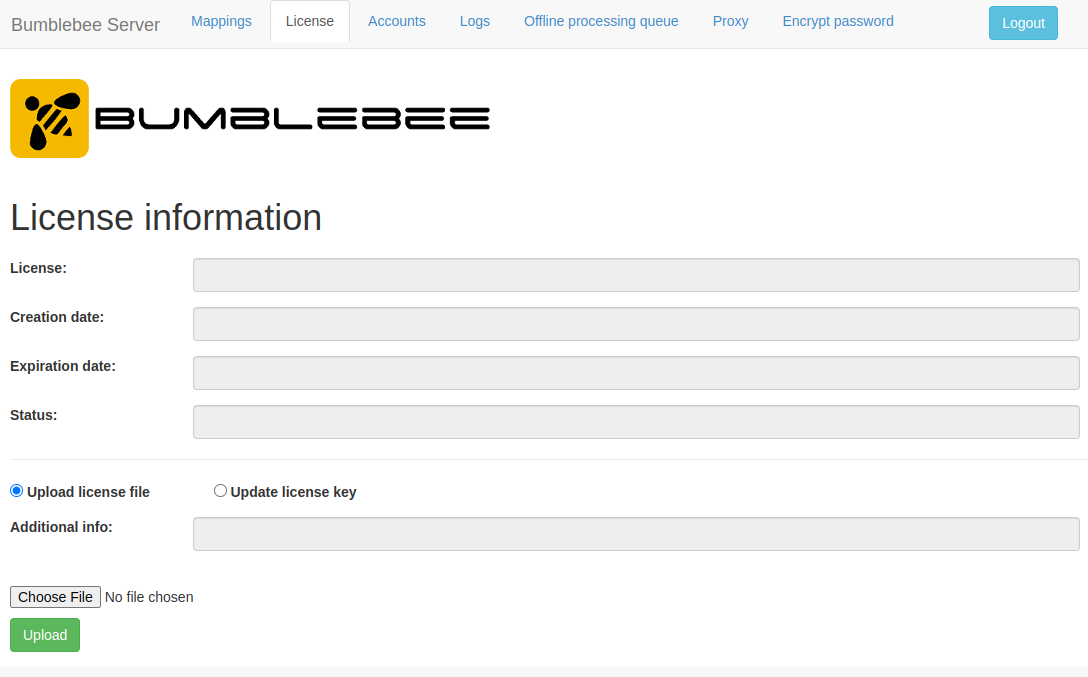
Click Choose File, select your license file, then click Upload to activate.
Activating via License Key
Select the Update license key radio button:
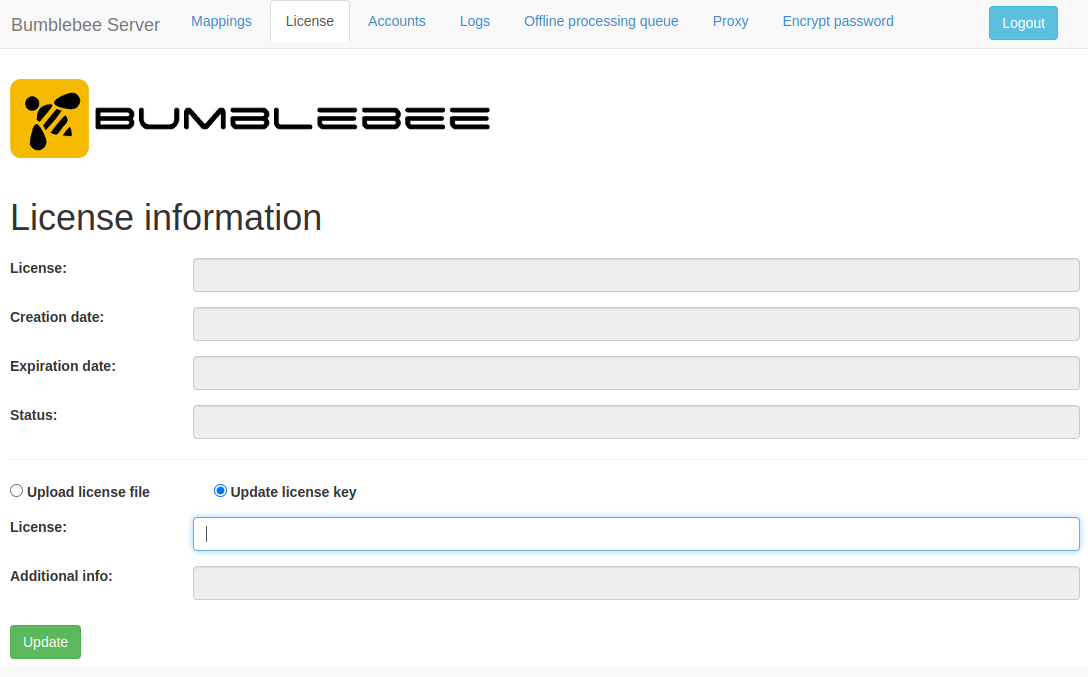
Enter the license key in the License text box and click Update.
Checking License Status
The License tab displays:
- License type (Trial / Production)
- Expiry date
- Licensed features
License Renewal
Contact [email protected] before your license expires to receive a renewed license.